Overview
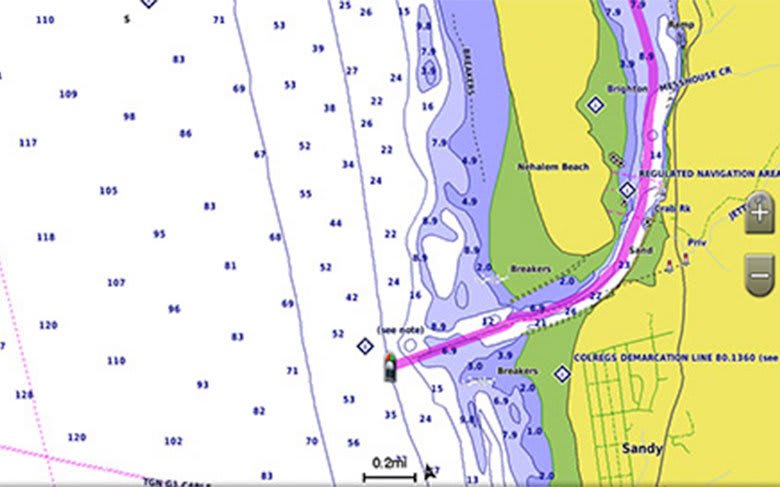
BlueChart g3 Vision coastal charts provide coverage, clarity, and detail with integrated Garmin and Navionics data and Auto Guidance technology. The VPC022R chart card combines multiple data layers, including vector cartography, high-resolution bathymetry, satellite photography, and 3D perspective views, into a single navigational package designed for East Coast Australia.
The VPC022R covers the full sweep of Australia's most populous coastline, from the Gulf of Carpentaria around Cape York and down the eastern seaboard to South Australia. The Great Barrier Reef, running more than 2,000 kilometers along the Queensland coast, is one of the most navigationally demanding regions in the world, where reef passages, cays, and charted channels require detailed depth data. Coverage continues past Brisbane, Sydney, and Melbourne to Fowlers Bay in South Australia, taking in Bass Strait and the approaches to Tasmania's northern ports. Auto Guidance technology calculates suggested routes using vessel-specific draft and overhead clearance parameters.
Note: The areas outlined in color depict the approximate coverage areas of the relief shading data included in the Vision card.
Premier Coastal Charts
- Industry-leading coverage, clarity and detail with updated coastal charts that feature integrated Garmin and Navionics® content
- Auto Guidance¹ technology quickly calculates a suggested route by using your desired depth and overhead clearance
- Includes Depth Range Shading for up to 10 depth ranges, enabling you to view your target depth at a glance
- Up to 1’ contours provide a more accurate depiction of the bottom structure for improved fishing charts
- To give a clear picture of shallow waters to avoid, the Shallow Water Shading allows for shading at a user-defined depth
Experience unparalleled coverage and brilliant detail when you’re on the water. BlueChart g3 Vision coastal charts provide industry-leading coverage, clarity and detail with integrated Garmin and Navionics content.
Coverage
Detailed coverage of the east coast of Australia from Mornington Island, in the Gulf of Carpentaria, around Cape York and south to Fowlers Bay, South Australia. Coverage includes the Great Barrier Reef and the ports of Brisbane, Sydney, and Melbourne.
Bluechart G3 Vision Features
Auto Guidance
Whether fishing or cruising, select a spot and get a route showing the general path and nearby obstructions at a safe depth. Auto Guidance technology uses the desired depth and overhead clearance to calculate a route and suggest a path to follow.
Auto Guidance is for planning purposes only and does not replace safe navigation practices.
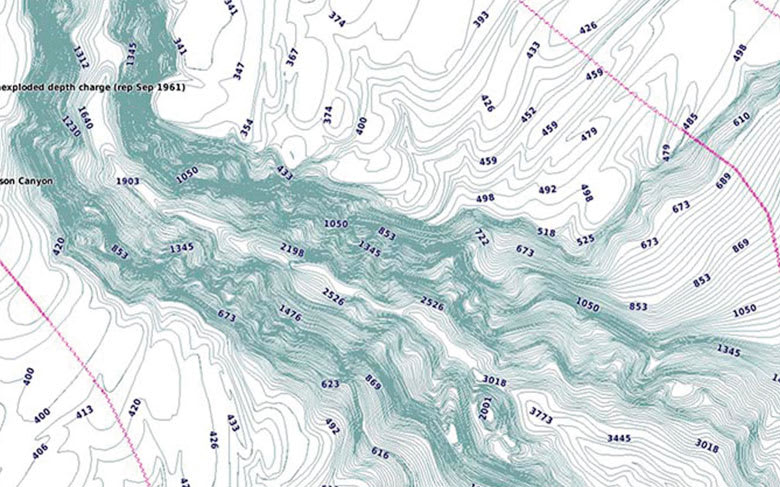
High-resolution Relief Shading
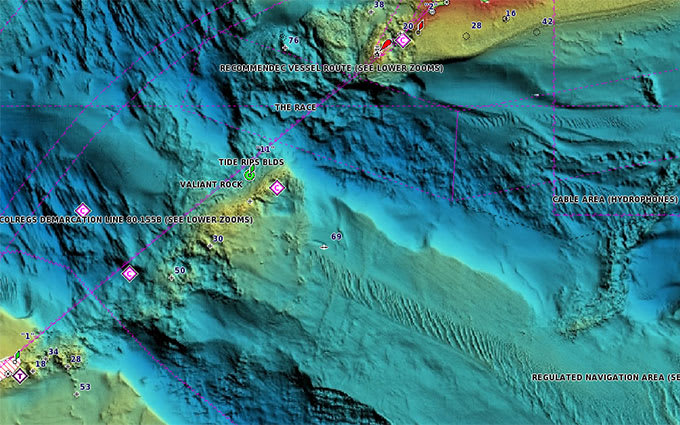
High-resolution relief shading combines color and shadow to give an easy-to-interpret view of bottom profile, making it easier to find artificial reefs, underwater shelves, and more. High-resolution relief shading is also available as a free downloadable feature via the ActiveCaptain app.
Depth Range Shading
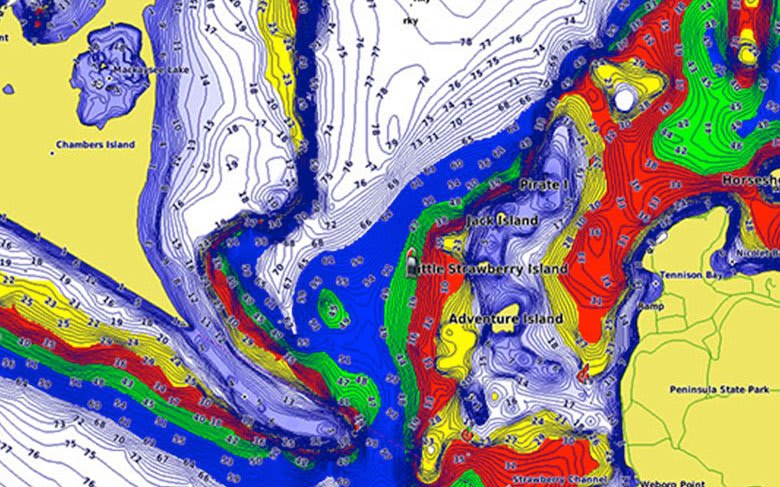
Depth Range Shading displays up to 10 depth ranges, enabling the view of a designated target depth at a glance.
Shallow Water Shading
Shallow Water Shading allows for shading at a user-defined depth, giving a clear picture of shallow waters to avoid.
Detailed Contours
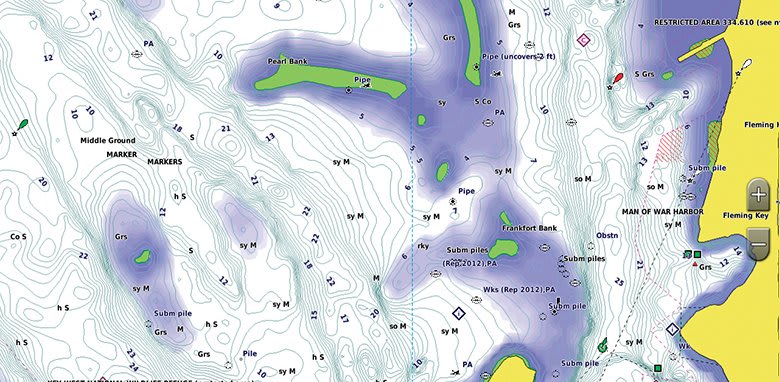
BlueChart g3 Vision charts feature 1-foot contours that provide a more accurate depiction of bottom structure for improved fishing charts and enhanced detail in swamps, canals, and port plans.
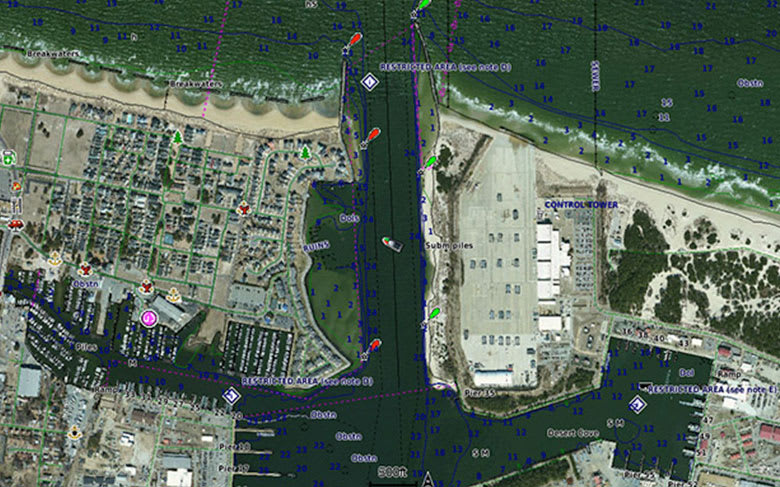
High-resolution Satellite Imagery
High-resolution satellite imagery with navigational charts overlaid gives a realistic view of the surroundings, the most realistic charting display in a chartplotter, ideal for entering unfamiliar harbors or ports.
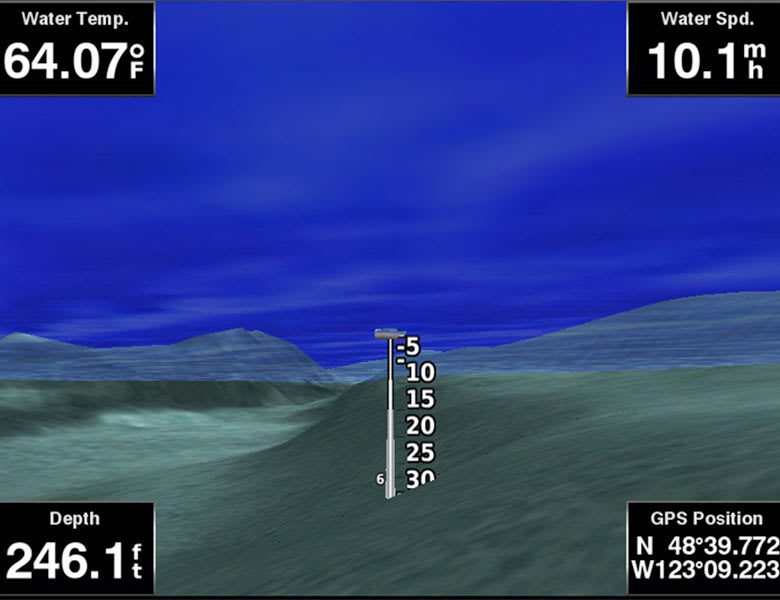
FishEye View
An underwater perspective showing a 3D representation of the bottom and contours as seen from below the waterline. Interface with sonar data for a customized view.
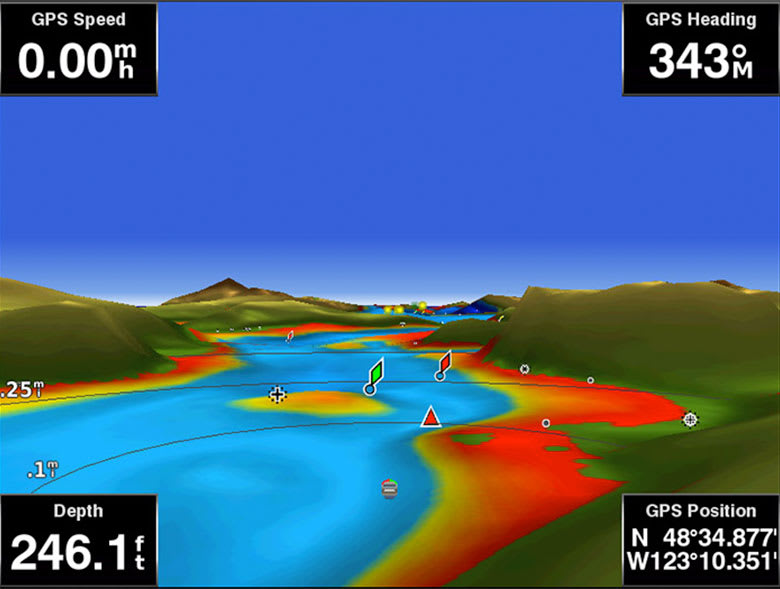
MarinerEye View
A 3D representation of the surrounding area both above and below the waterline.
Aerial Photography
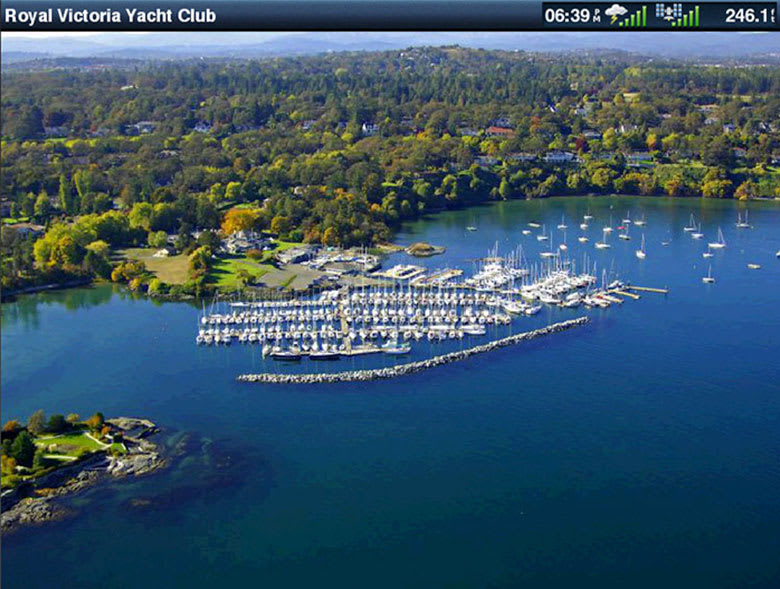
Crystal-clear aerial photography shows exceptional detail of many ports, harbors and marinas and is ideal when entering unfamiliar ports.
¹Auto Guidance is for planning purposes only and does not replace safe navigation practices.
Engineering enhancements are ongoing and may not be reflected in the pictures, videos and specifications.
Comparison
| Feature |
BlueChart g3 Vision |
BlueChart g3 |
| Integrated Garmin and Navionics content |
• |
• |
| Auto Guidance¹ technology |
• |
• |
| Depth range shading |
• |
• |
| Up to 1' contours |
• |
• |
| Shallow water shading |
• |
• |
| Raster cartography² |
• |
• |
| High-resolution relief shading |
• |
|
| Unique 3-D views |
• |
|
| High-resolution satellite imagery |
• |
|
| Aerial photos |
• |
|
¹Auto Guidance is for planning purposes only and does not replace safe navigation operations.
²Raster cartography is available for selected countries. It cannot be viewed on echoMAP CHIRP and ECHOMAP Plus combos but can be viewed on mobile devices via the ActiveCaptain mobile app.
Requirements
Download and Card Requirements
The BlueChart g3 Vision chart referenced here is available as a download and also on a preloaded microSD/SD card. The download installs to a compatible Garmin chartplotter or to a blank microSD/SD card using Garmin Express. Garmin microSD/SD data cards are intended solely for use with compatible Garmin devices and are preformatted specifically for that purpose. Cards must not be reformatted, and the data must not be modified, copied, or transferred to another card or device. For full microSD/SD card requirements and limitations, refer to the Garmin legal page.
Chartplotter Compatibility
BlueChart g3 Vision is designed for Garmin chartplotters that do not support the newer Garmin Navionics+ mapping format. Compatible devices include the GPSMAP 7x2, 9x2, 10x2, 12x2, and 12x2 Touch series, GPSMAP 7400/7600, GPSMAP 8400xsv/8600xsv, GPSMAP 85x0/8700 Black Boxes, ECHOMAP Plus 4x/6x/7x/9x, and ECHOMAP UHD series.
Chartplotters with built-in Garmin Navionics+ mapping cannot use BlueChart g3 charts. Use the Garmin chartplotter compatibility tool to confirm which format a specific device supports. High-resolution relief shading is also available as a free downloadable feature via the ActiveCaptain app.
FAQs
What area does the BlueChart g3 Vision VPC022R cover?
The VPC022R provides chart coverage of Australia's east coast from Mornington Island in the Gulf of Carpentaria, around Cape York and south to Fowlers Bay, South Australia, including the Great Barrier Reef and the ports of Brisbane, Sydney, and Melbourne.
Does the VPC022R cover the Great Barrier Reef?
The VPC022R covers the Great Barrier Reef along the Queensland coast, with 1-foot contour detail and high-resolution relief shading to support navigation of the reef's passages, cays, and charted channels.
What is the difference between BlueChart g3 Vision and BlueChart g3?
Both tiers include integrated Garmin and Navionics content, Auto Guidance, 1-foot contours, Depth Range Shading, and Shallow Water Shading. BlueChart g3 Vision adds high-resolution relief shading, high-resolution satellite imagery, and 3D views (FishEye and MarinerEye).
Which Garmin chartplotters are compatible with BlueChart g3 Vision?
Compatible devices include the GPSMAP 7x2, 9x2, 10x2, 12x2 series, GPSMAP 7400/7600, GPSMAP 8400xsv/8600xsv, GPSMAP 85x0/8700, ECHOMAP Plus series, and ECHOMAP UHD series. Newer chartplotters with built-in Garmin Navionics+ mapping require Garmin Navionics+ or Garmin Navionics Vision+ charts instead. Contact ANS for help identifying the correct chart format for your device.
Does Auto Guidance replace traditional navigation practices?
Auto Guidance is a planning tool that calculates suggested routes based on charted depth and overhead clearance parameters. Auto Guidance does not replace safe navigation practices, and mariners remain responsible for maintaining a proper lookout, monitoring real-time conditions, and exercising professional judgment.
Can multiple BlueChart g3 Vision cards be used at the same time?
Multiple BlueChart g3 Vision chart cards can be installed in the same Garmin chartplotter, provided the device has available card slots. Coverage transitions between adjacent regional cards are handled automatically within the chart display.